




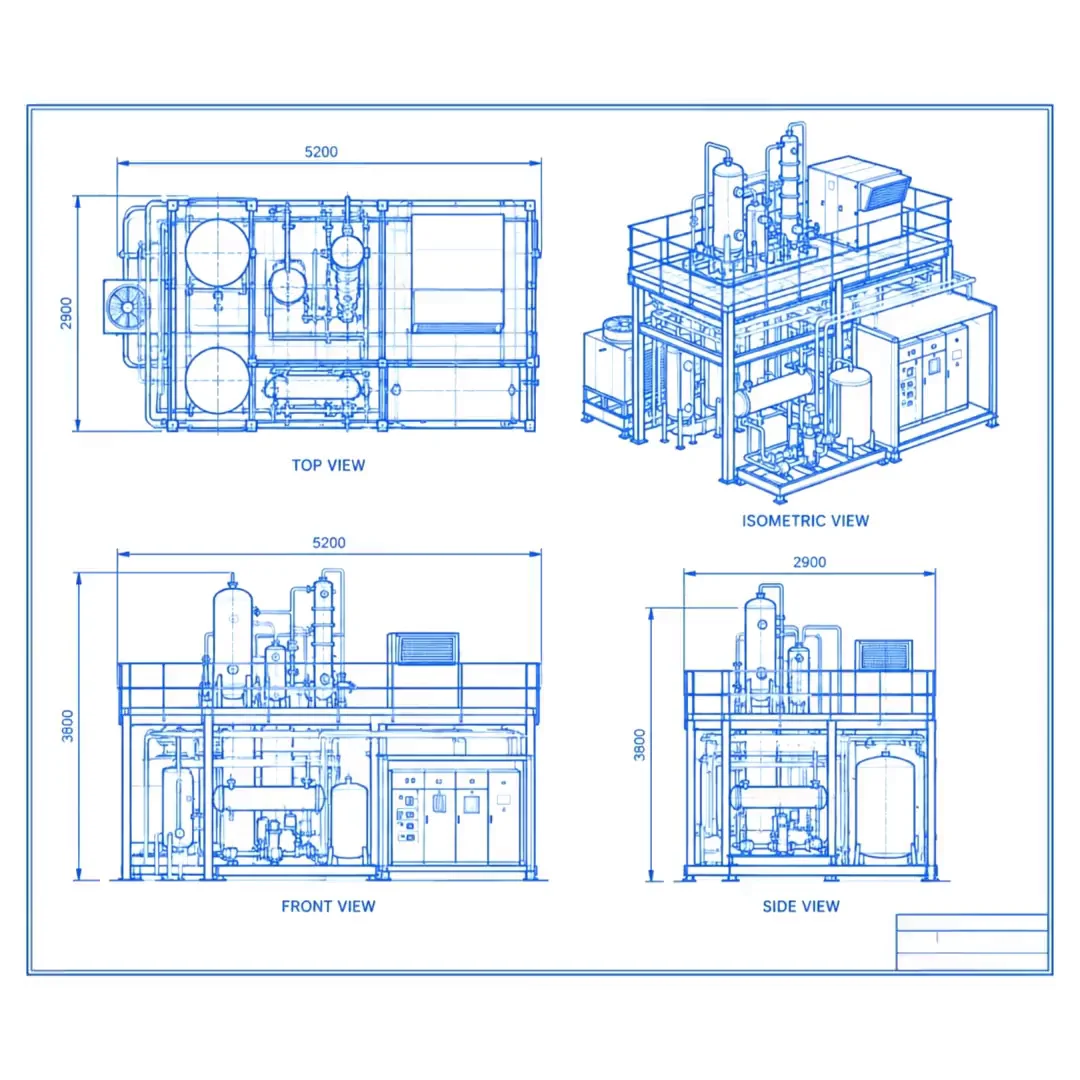
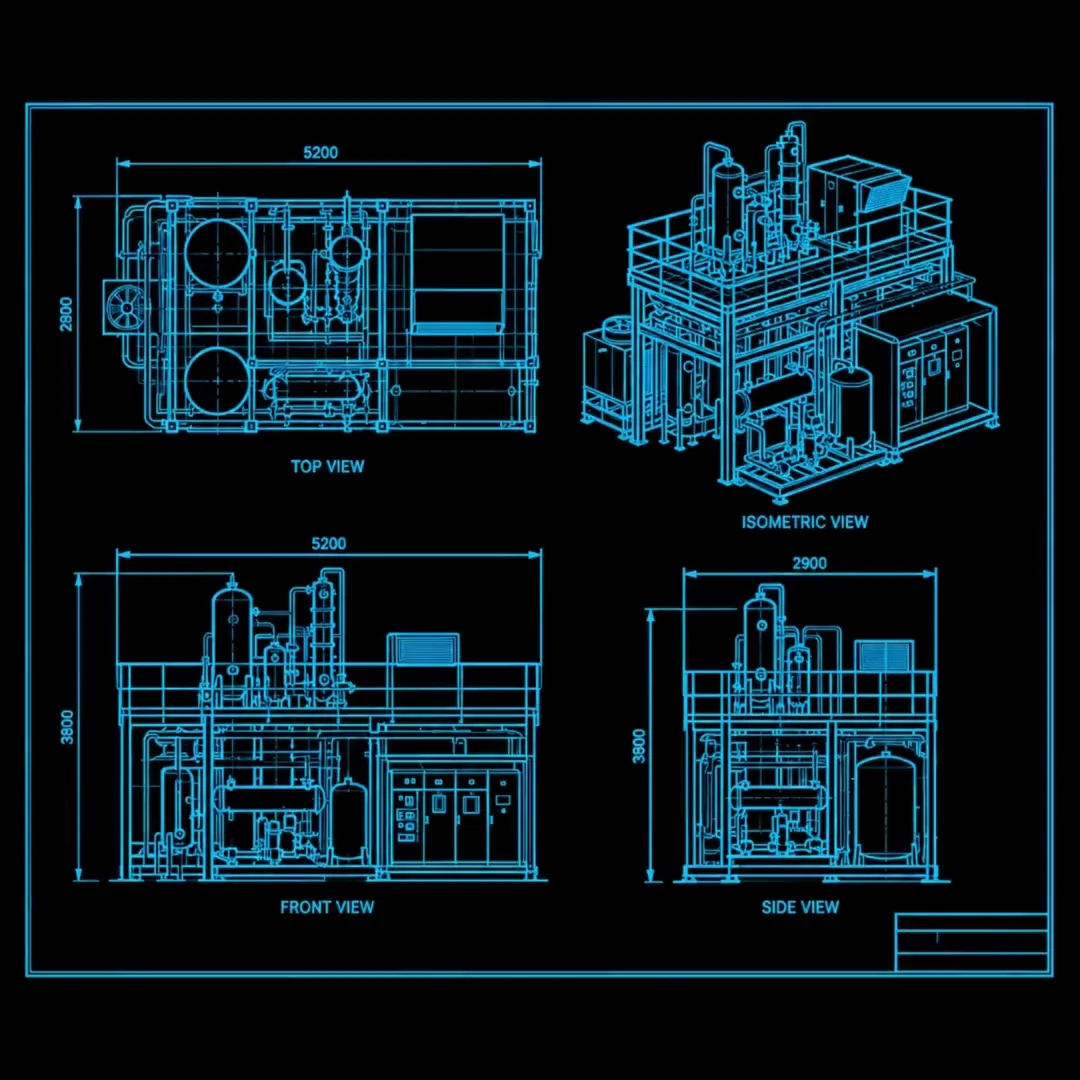
Enquiry & RFQ (CRM)
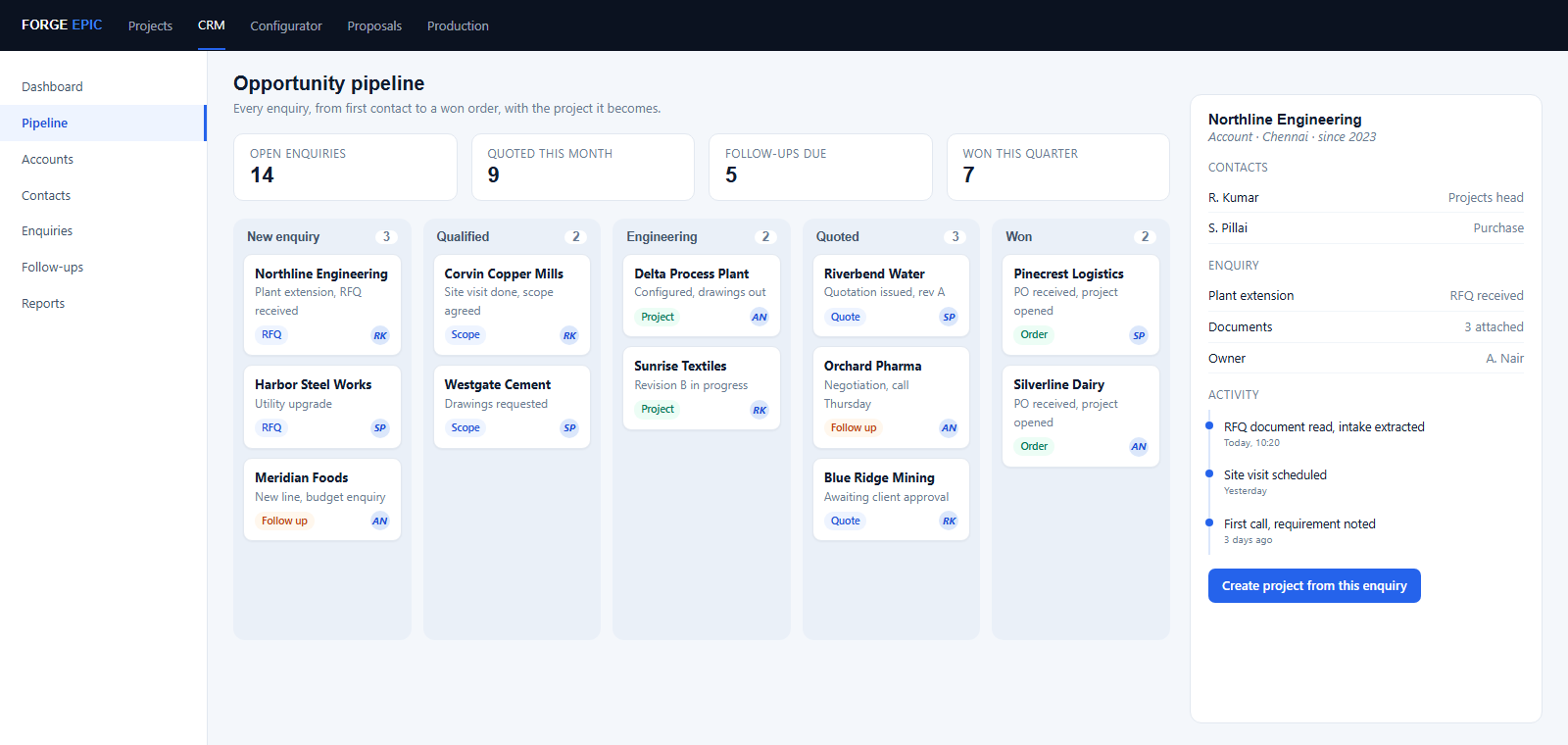
Every enquiry is logged against the account and the contact it came from, then moved along one pipeline from the first call to a won order. The document the customer sent is read, the intake extracted, and the project created from it with the engine already run.
Configurator (For example, switchgear)
01 / 13Project Info
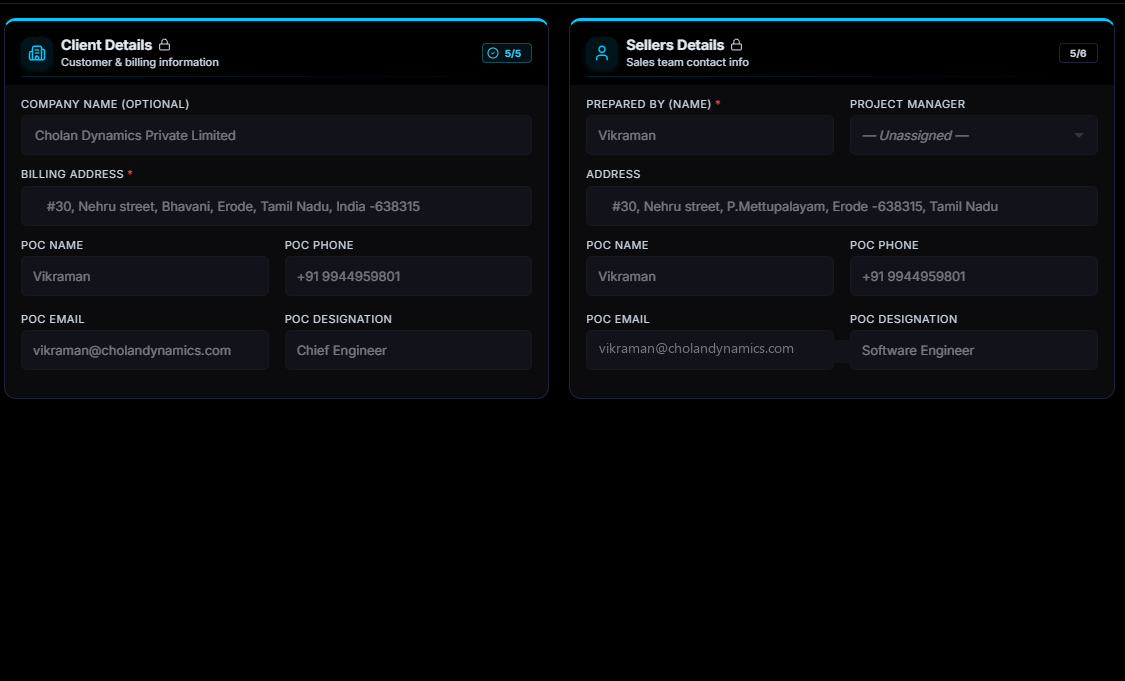
The customer, the client, the site, the delivery date and the engineer accountable, entered once. Every screen after this one reads the job from this record instead of asking for it again.
System Design
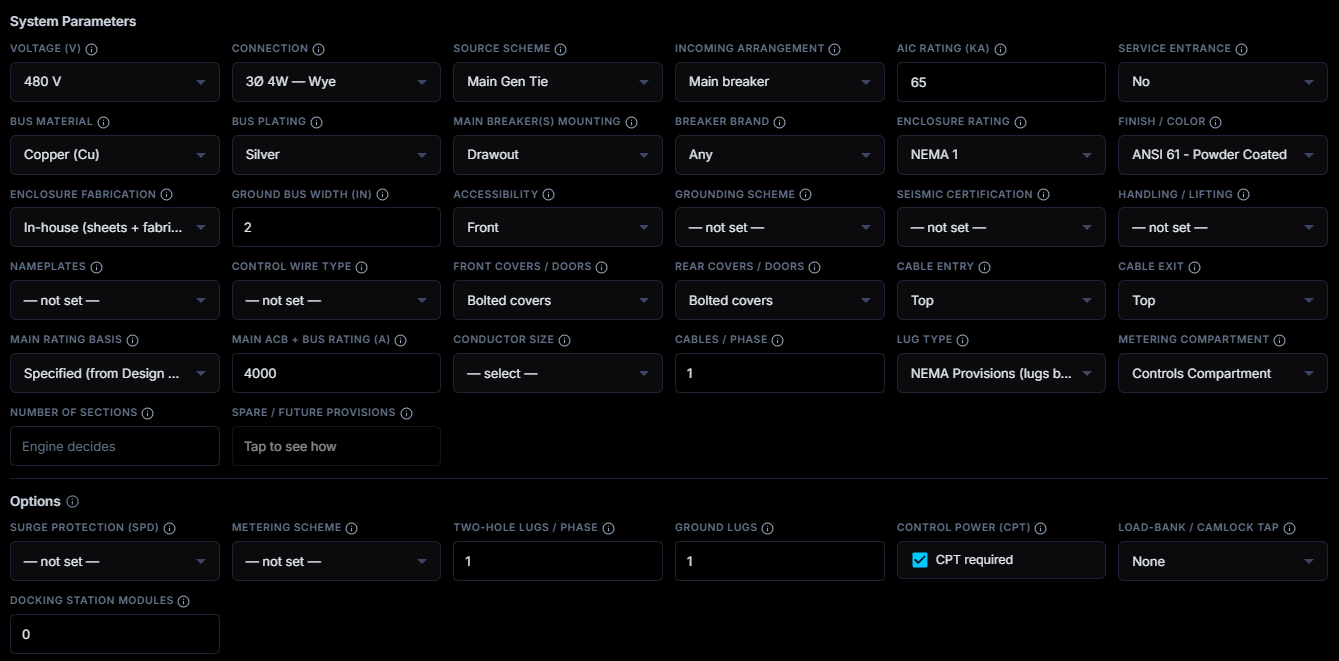
This is the input sheet. You load what the customer has asked for, and what you load changes from one product to another, because the design basis of a switchboard is not the design basis of a vessel.
Load & Feeder
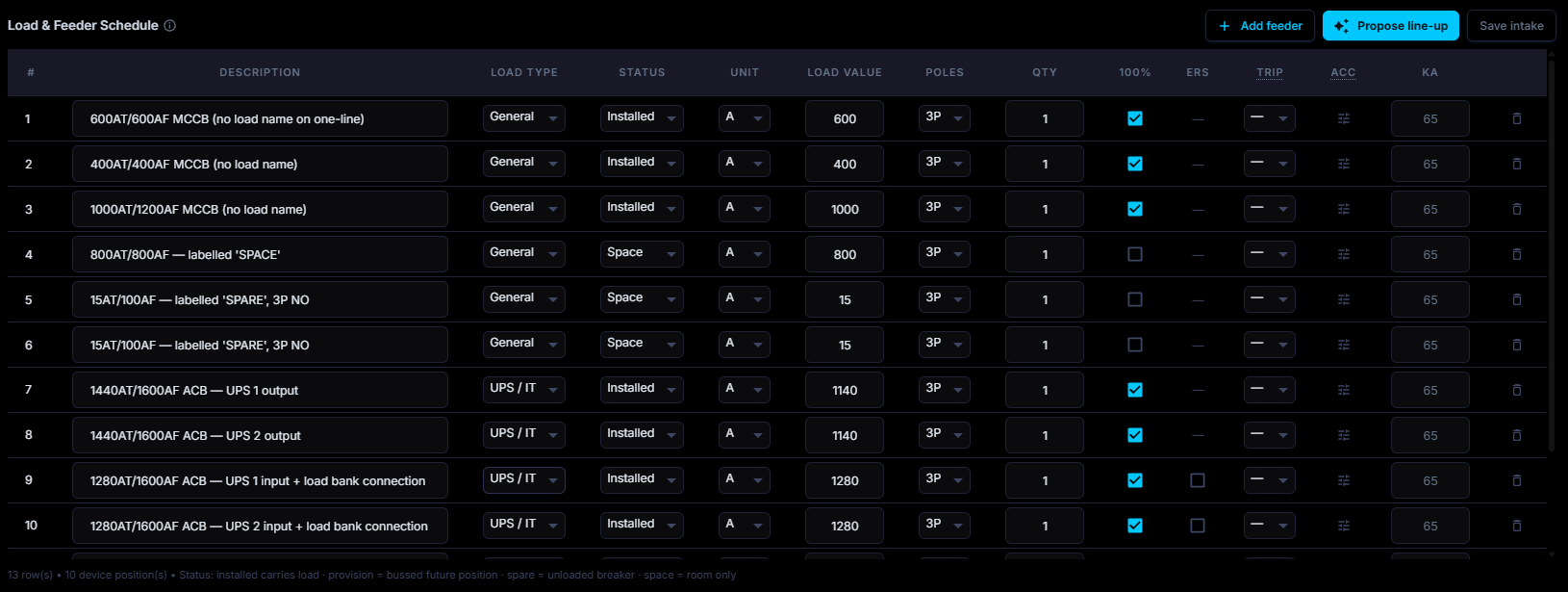
A second input sheet, for the outgoing ways. Feeders belong to some products and not to others, so whatever extra intake sheet your product needs is added and becomes part of the same design basis.
Section Design
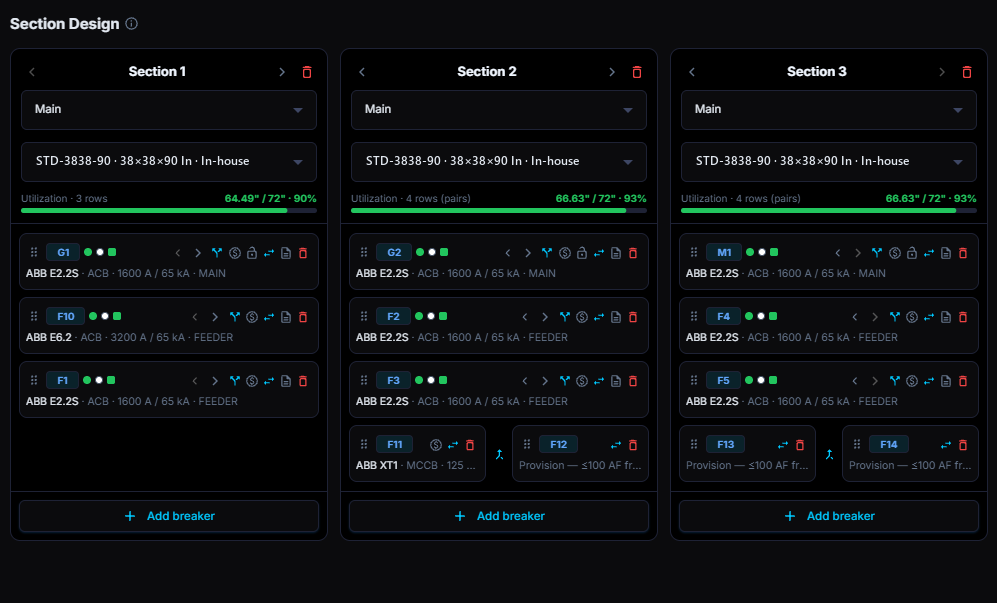
From those inputs the engine calculates the devices, the cabinet sections and how many are needed, and arranges them to the standards you set. Everything it decides can still be moved by hand.
Components
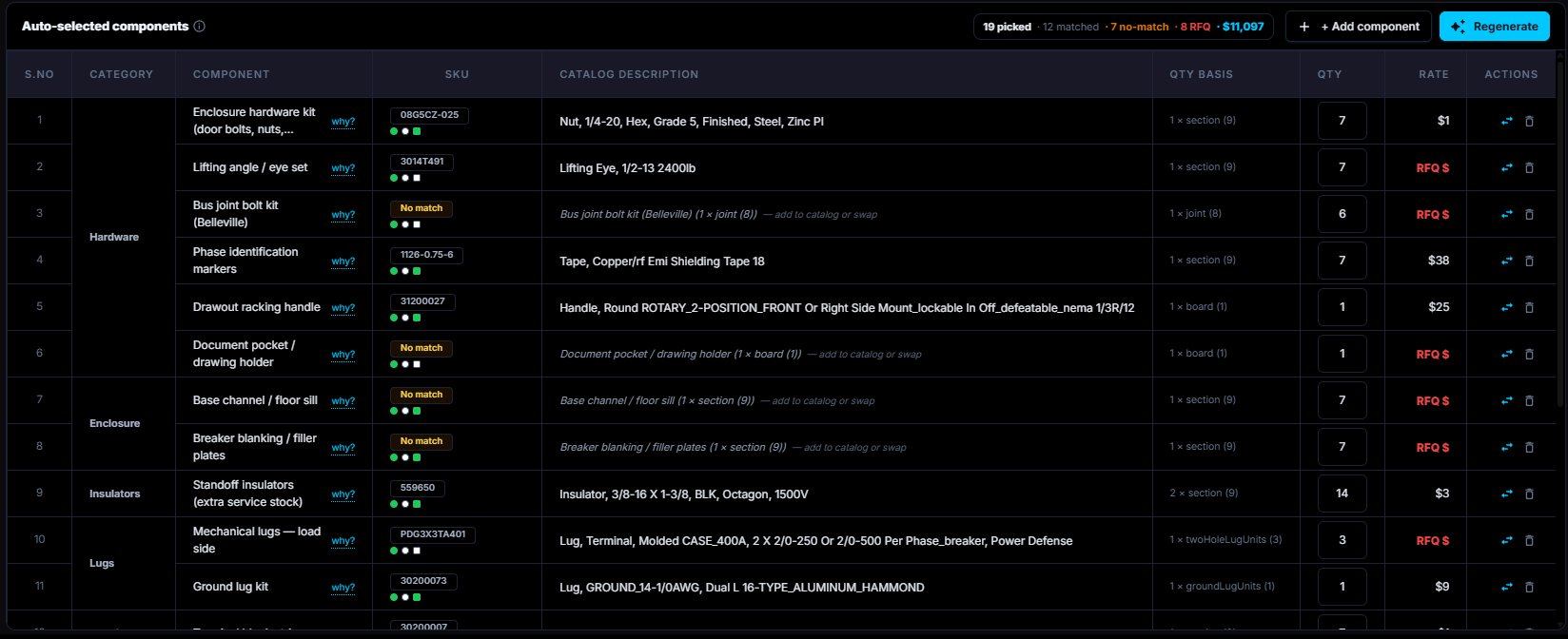
Everything from the copper to the hardware is selected against your own standards, your own calculations and your own methodology. Change a selection rule and the engine follows it from then on.
SLD
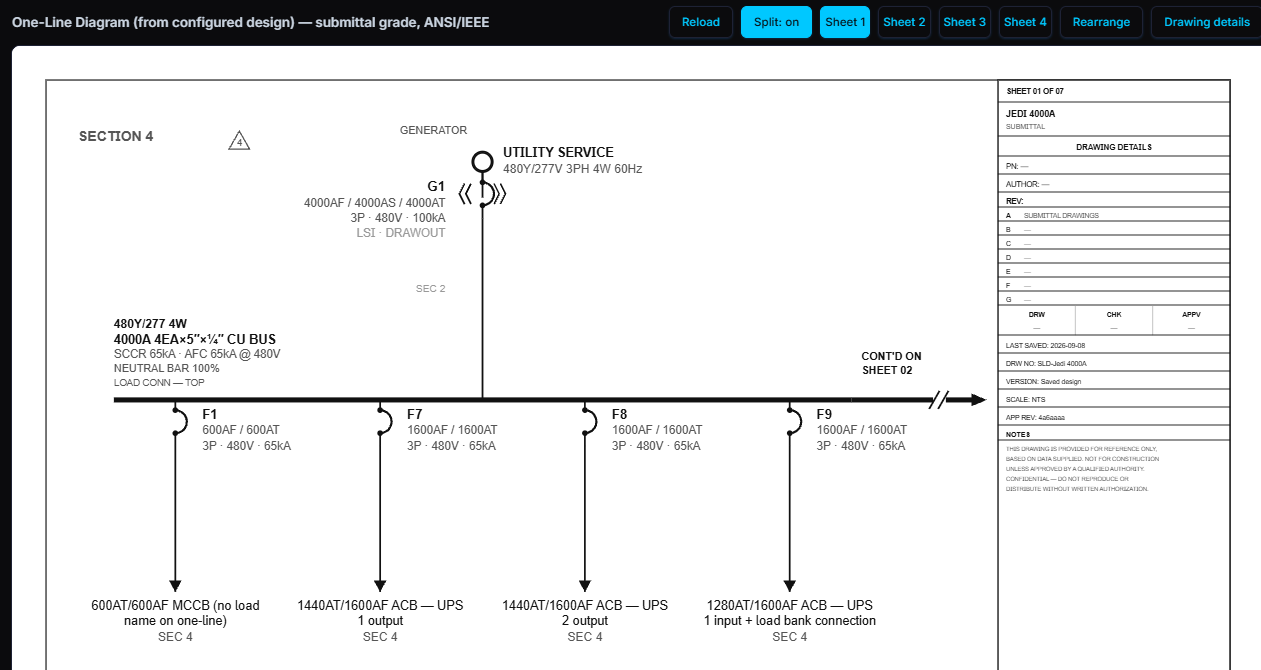
The single-line diagram is generated from the design rather than drafted after it, so it always agrees with the schedule it came from. The designer reviews it and edits whatever needs changing.
3LD
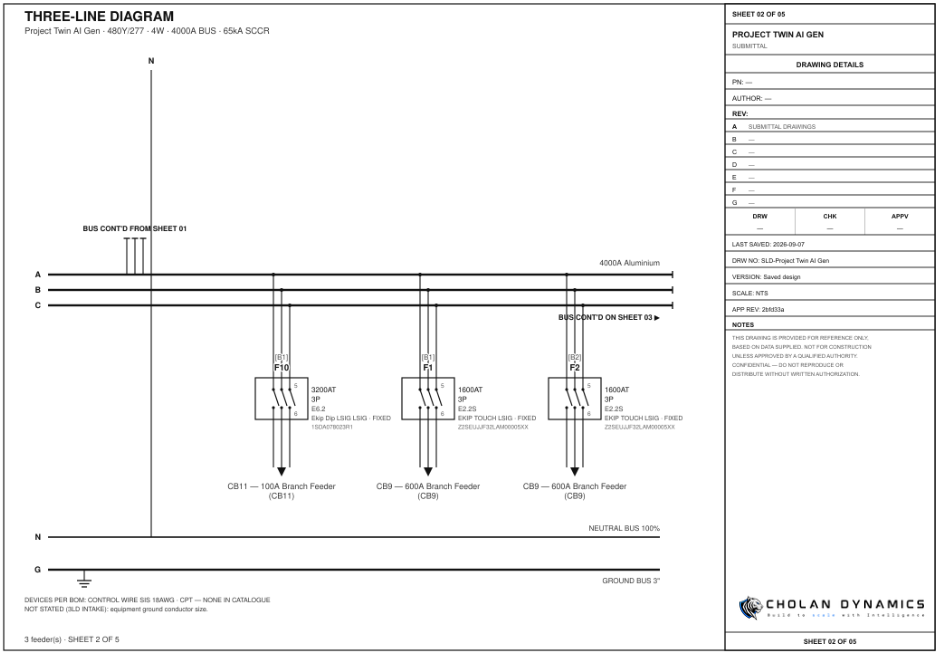
All three phases, the neutral and the earth, drawn from the same design as the single-line, so the two drawings can never disagree about what is connected to what, or about which device protects it.
Electrical Drawings
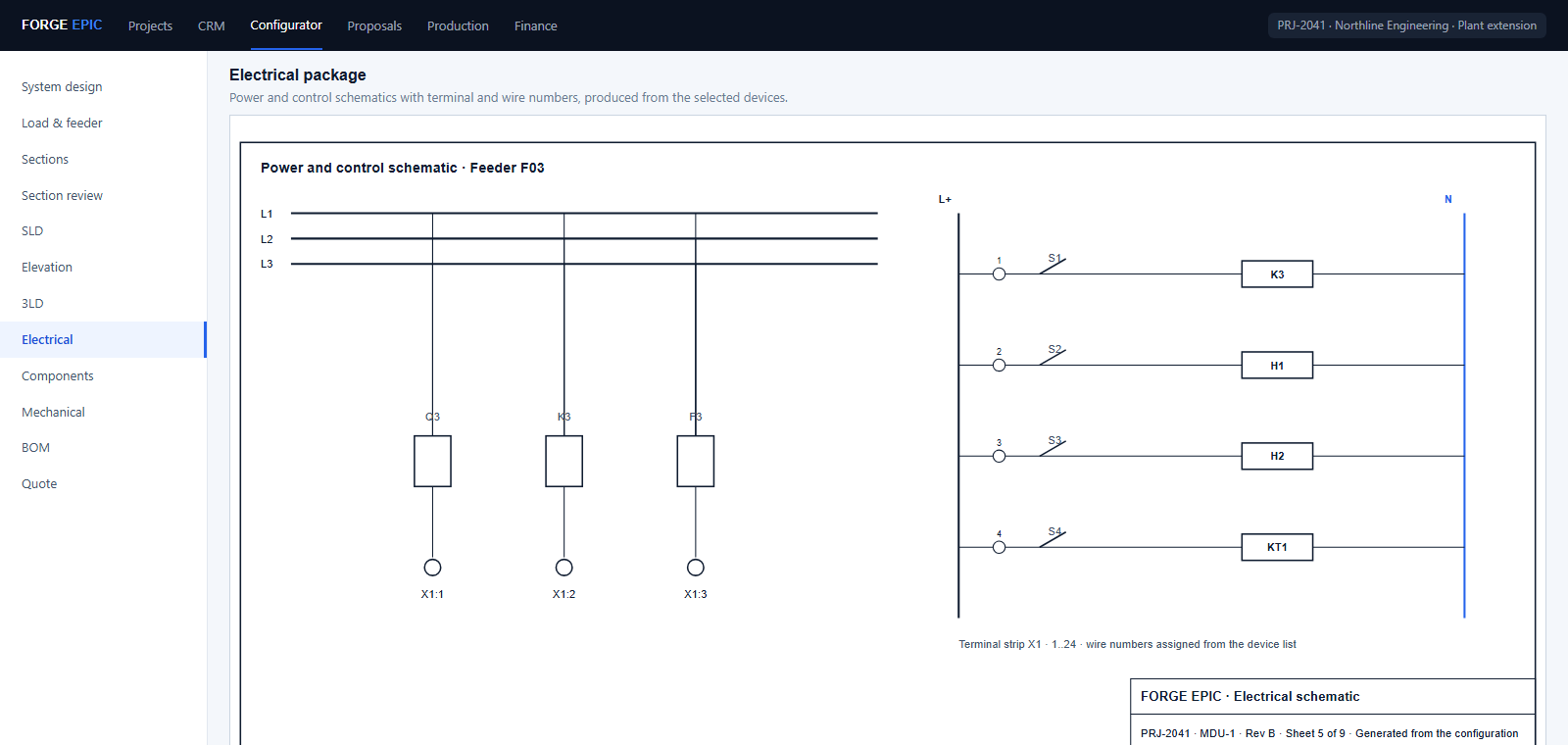
The schematics and the wiring are produced from the devices actually selected, so a terminal on the drawing is a terminal on the bill of materials, and the wire numbers are assigned for you.
Elevation
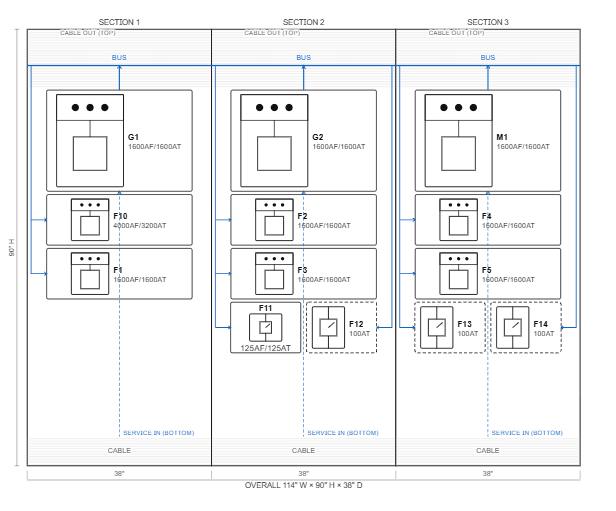
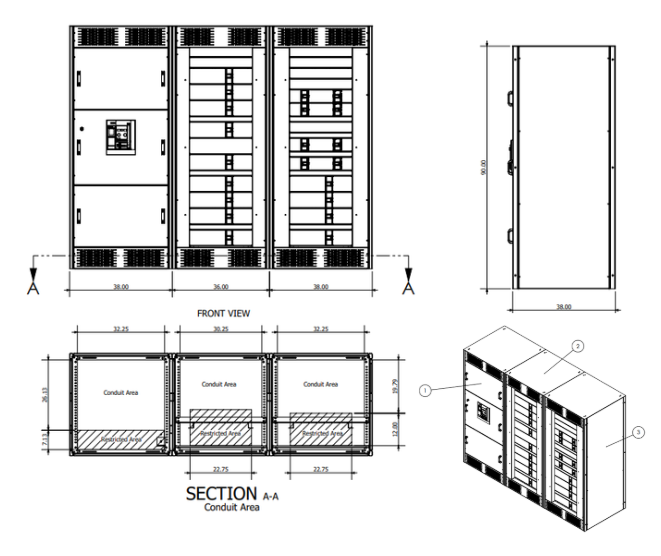
The front elevation and the general arrangement, drawn at the real sizes of the sections that were designed, which is the sheet a fabricator builds the enclosure from without asking any questions.
Mechanical Drawings
Fabrication drawings, a 3D model and a STEP export all come out of the same record, so the shop floor and the CAD department are working from one source of truth rather than two that drift apart.
Pricing
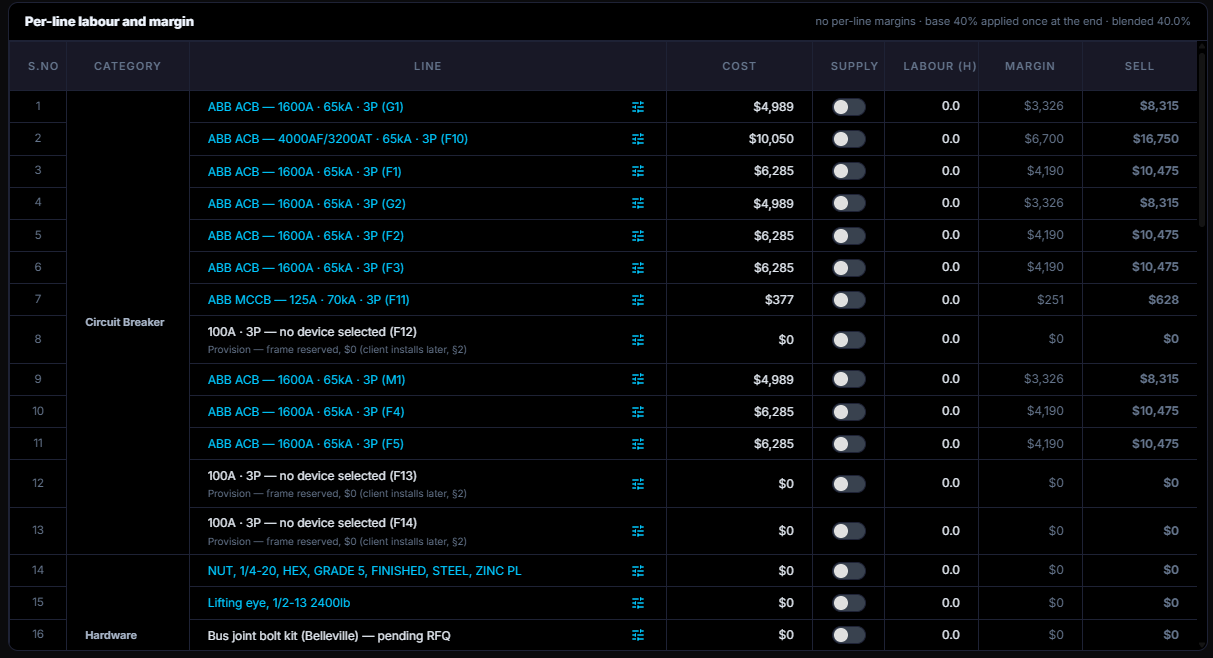
The cost build-up, line by line, with where every number came from: a contract price, a list price or a live commodity rate. Every line can answer for itself when the customer asks about it.
Bill of Materials
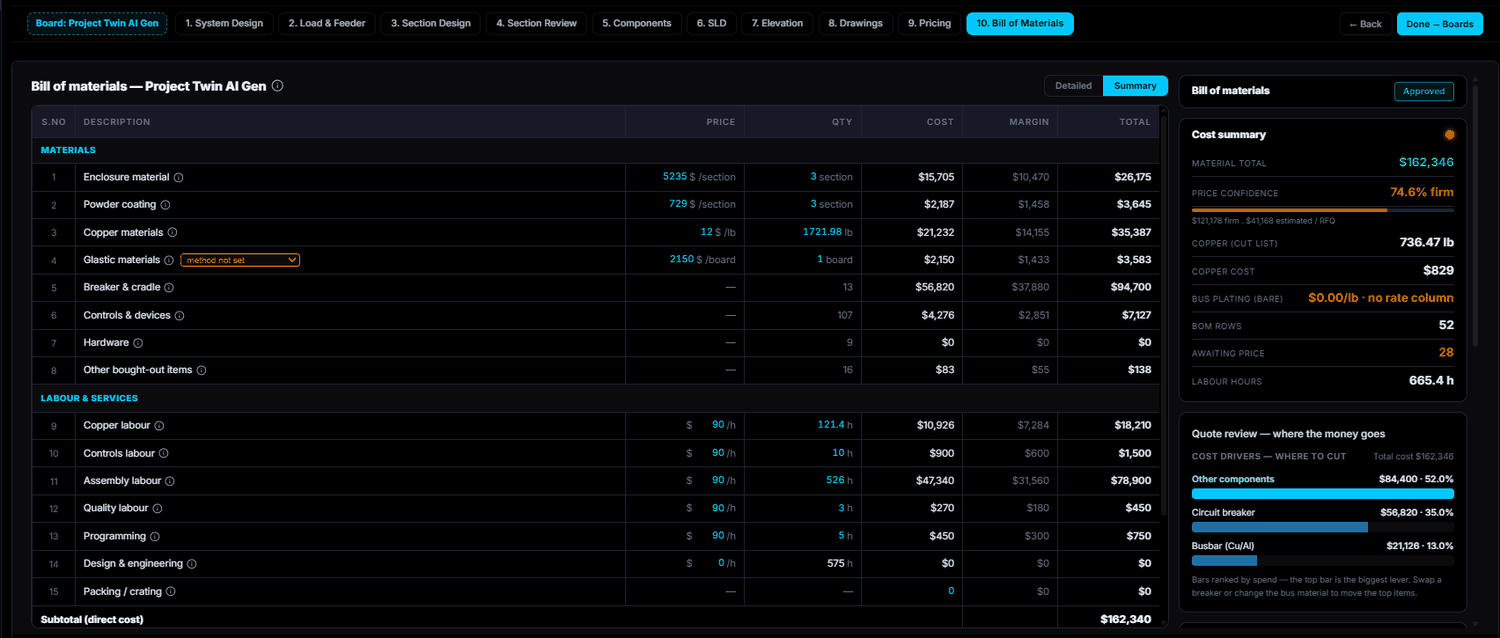
The priced bill that every downstream document reads. Procurement buys from it, production builds from it and the proposal quotes from it, so there is one list to keep right rather than three.
Proposal
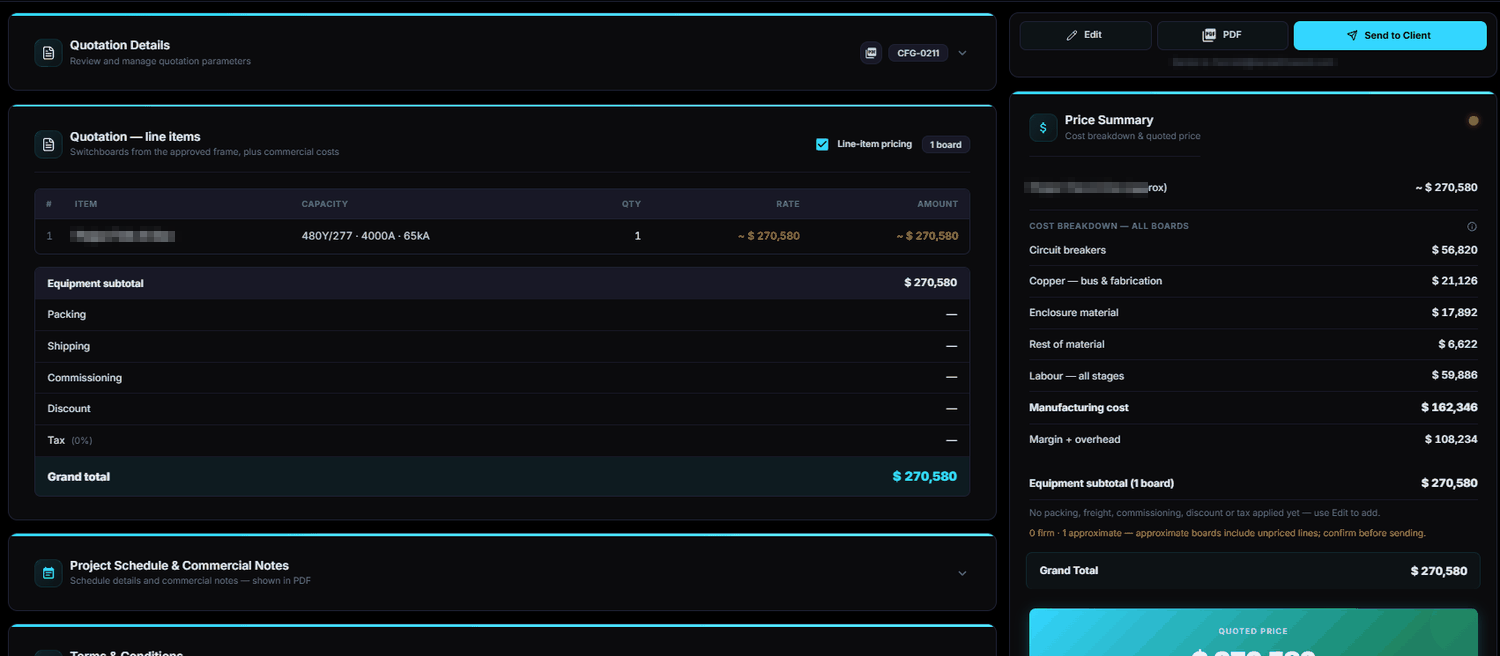
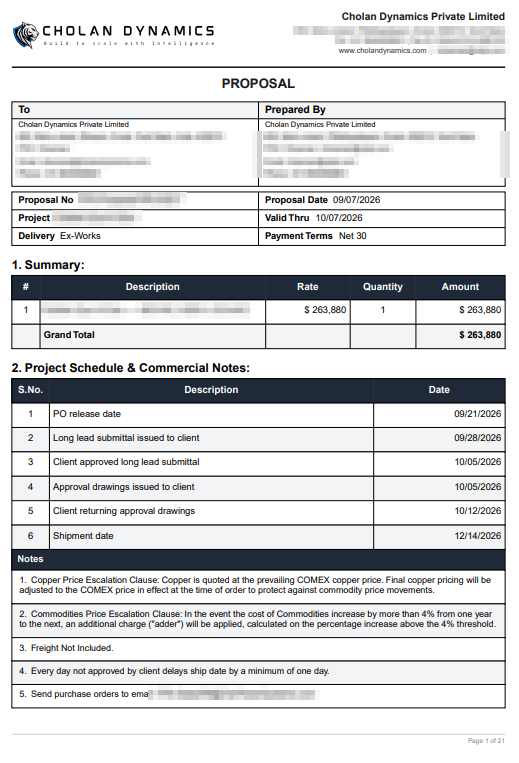
The proposal is generated from the configuration that was just engineered, so the scope, the drawings and the price in it all describe the same board. It goes out without waiting on the drawing office to catch up.
Order Confirmation
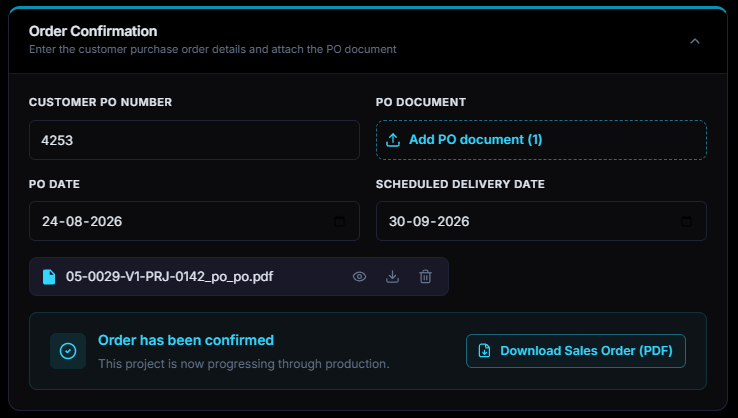
The client purchase order is captured against the quotation it answers, with the document attached to it. Confirming it moves the record from a proposal to a project and releases the scope to production untouched.
Clearance
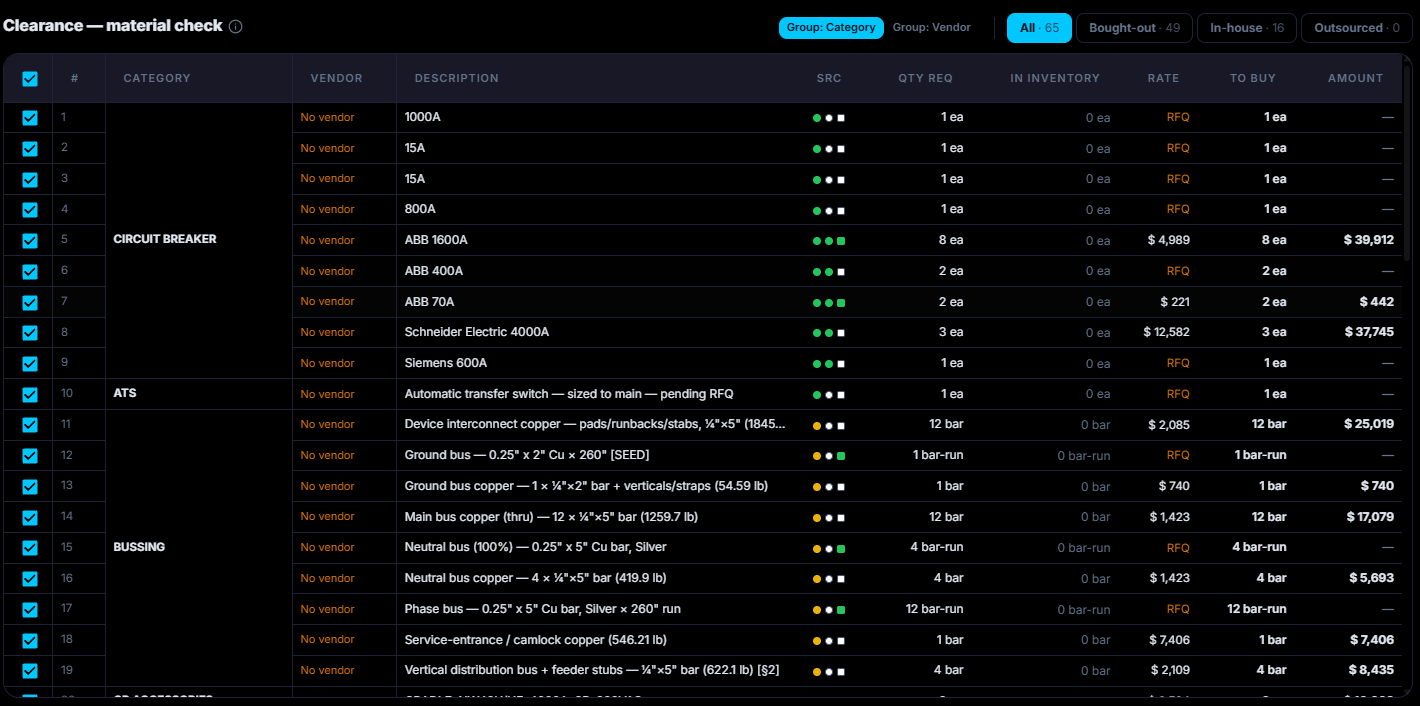
The material list is checked against the stock you already hold, line by line, and only the shortfall becomes requests for quotation and purchase orders to your approved suppliers. Nothing is ordered twice.
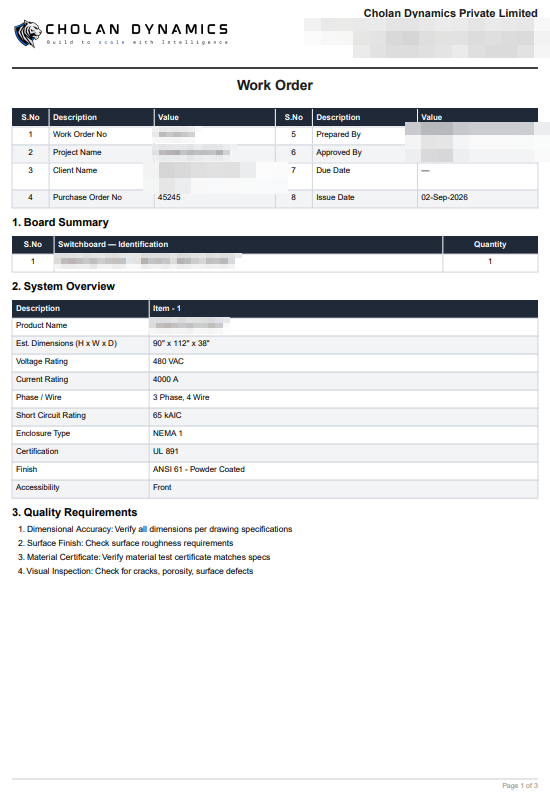
Work Order
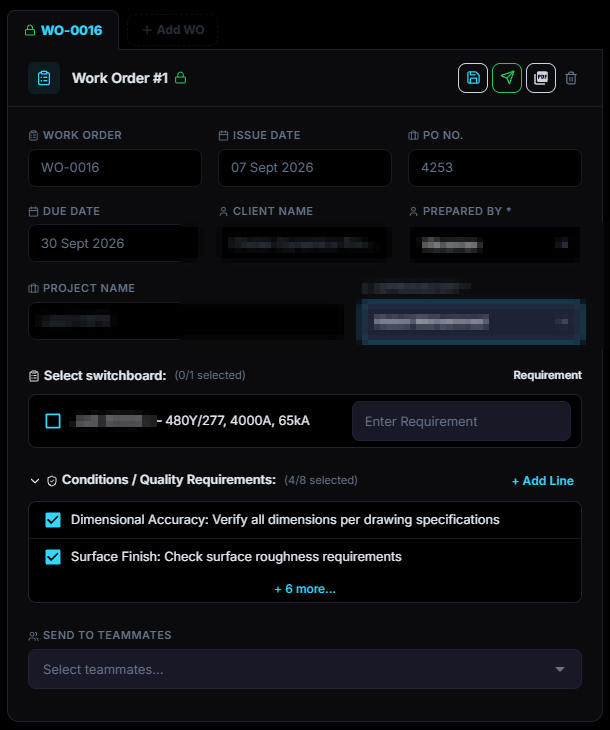
One work order per unit, authorising the build and committing every part it needs, so the floor knows what to make, in what order and against which project, and the material is reserved before anything starts.
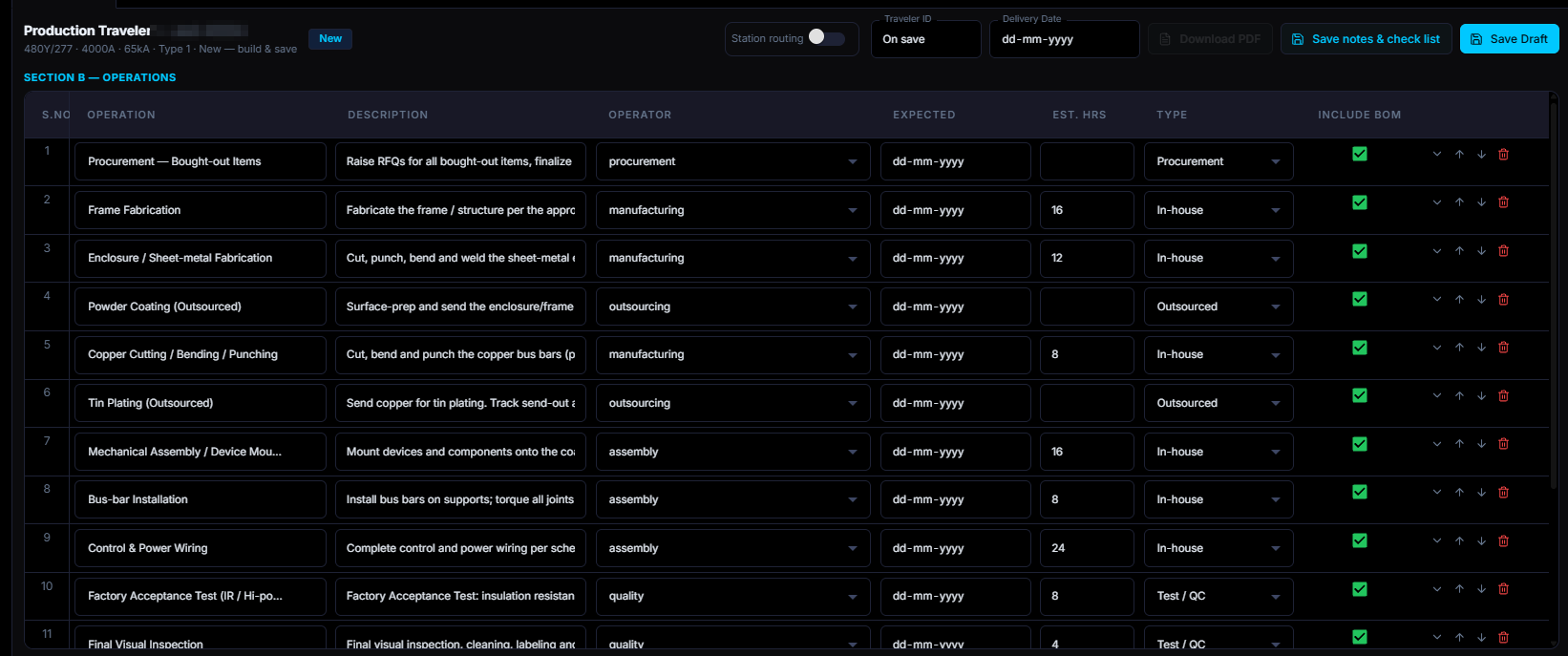
Production Traveller
The per-unit build sheet follows the job across the floor and is signed off stage by stage against the work order, so the schedule reflects what has actually been built rather than what was planned.
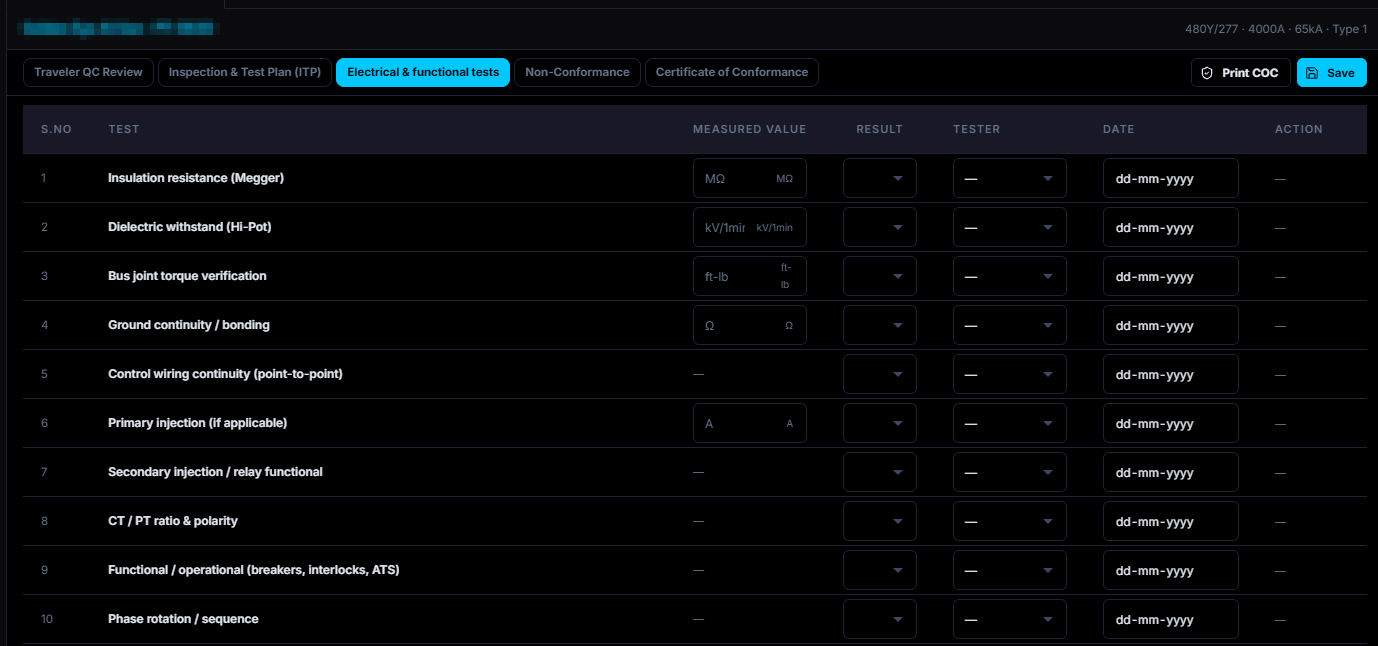
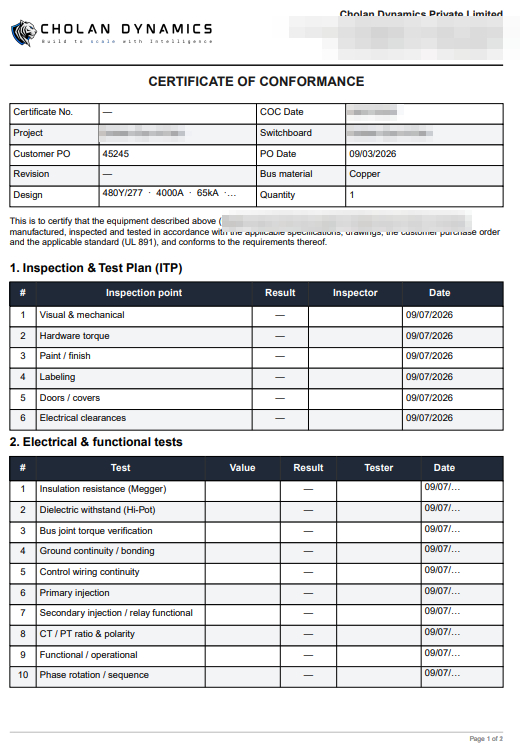
Quality
Inspection and routine testing are recorded against the design as it was engineered, not against a separate checklist, and every non-conformance is raised and closed before the unit is released for shipment.
Logistics
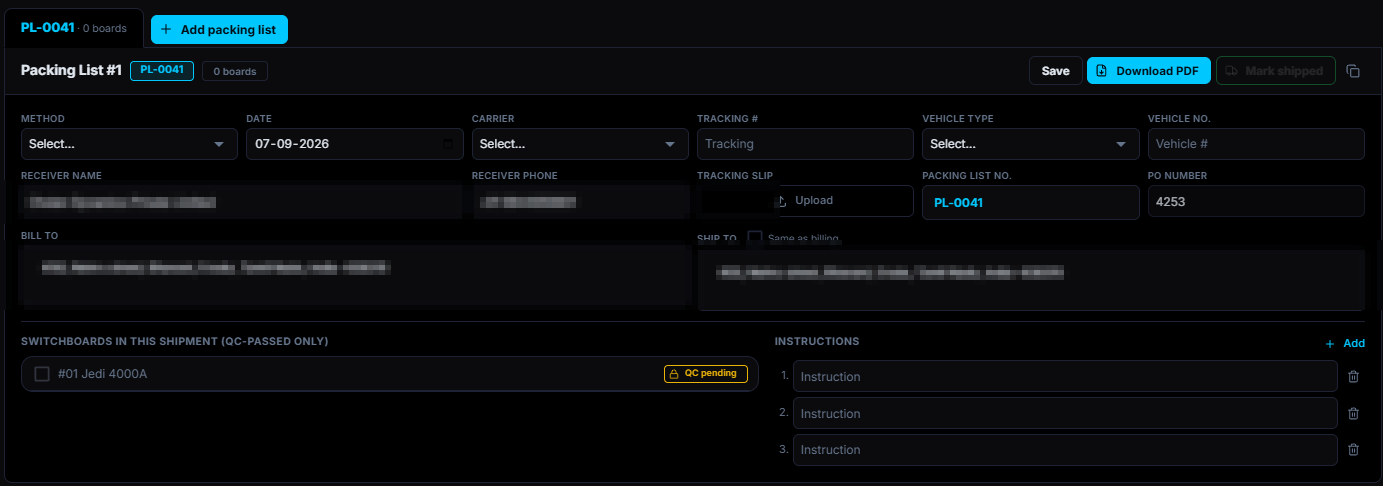
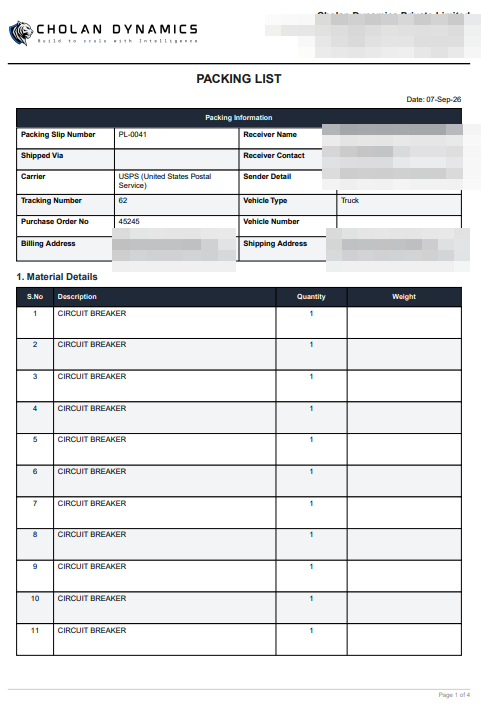
Packing, weights, crates and carrier are planned from what was actually produced, and the packing list is generated from the units in the shipment, so the client is told exactly what left and when it left.
Invoice
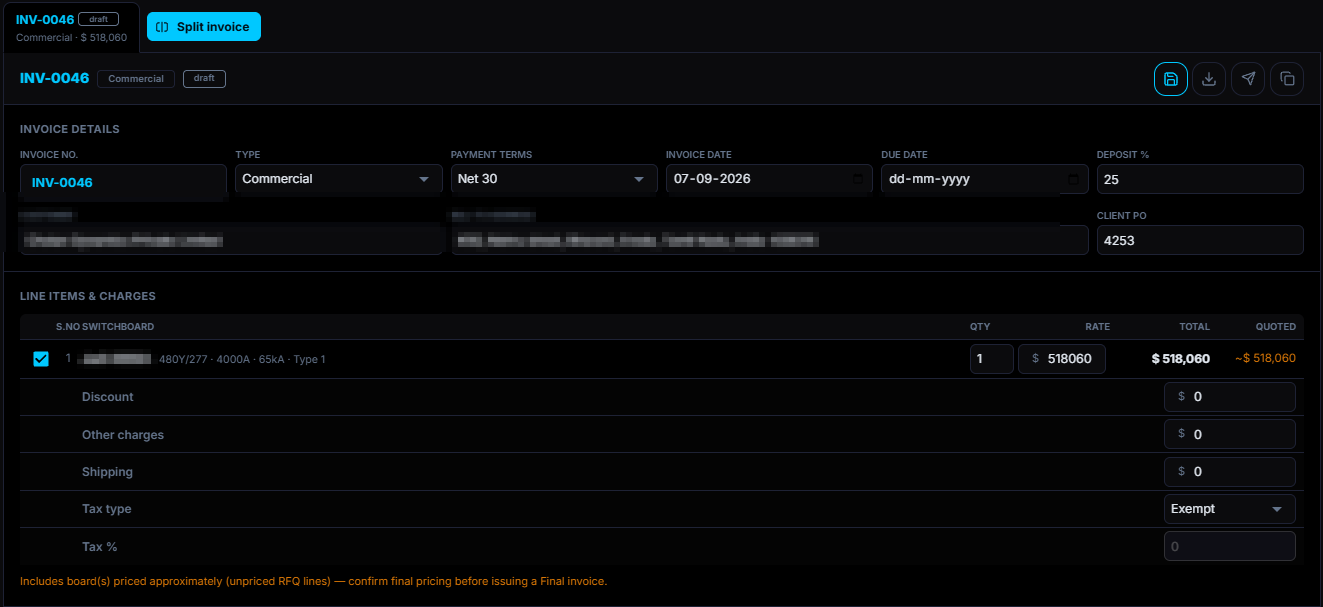
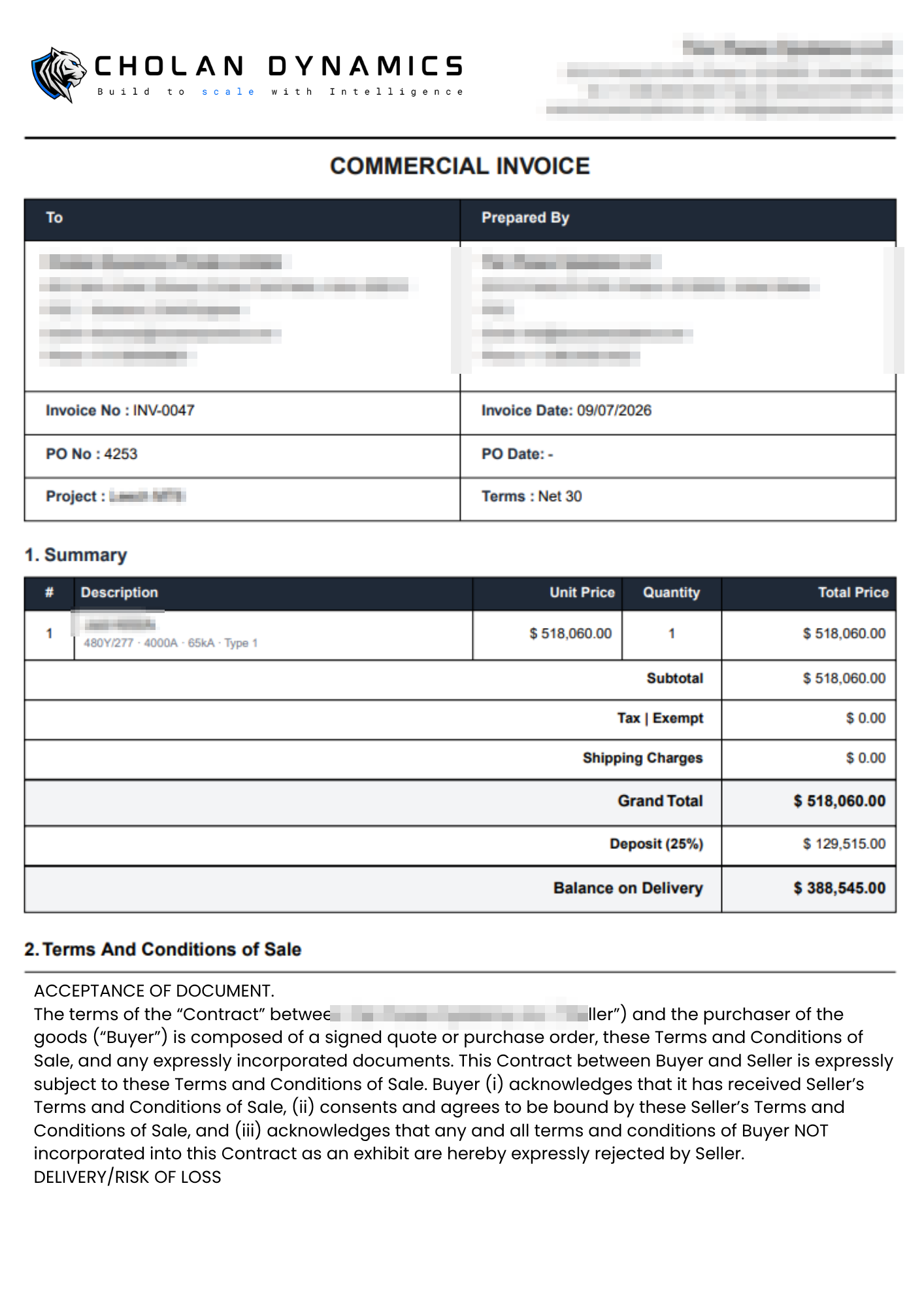
Invoices are raised from the job record and reconciled against the scope that was quoted, so a variation is recorded as a variation rather than absorbed, and what is still owed on the order stays visible.
Documentation
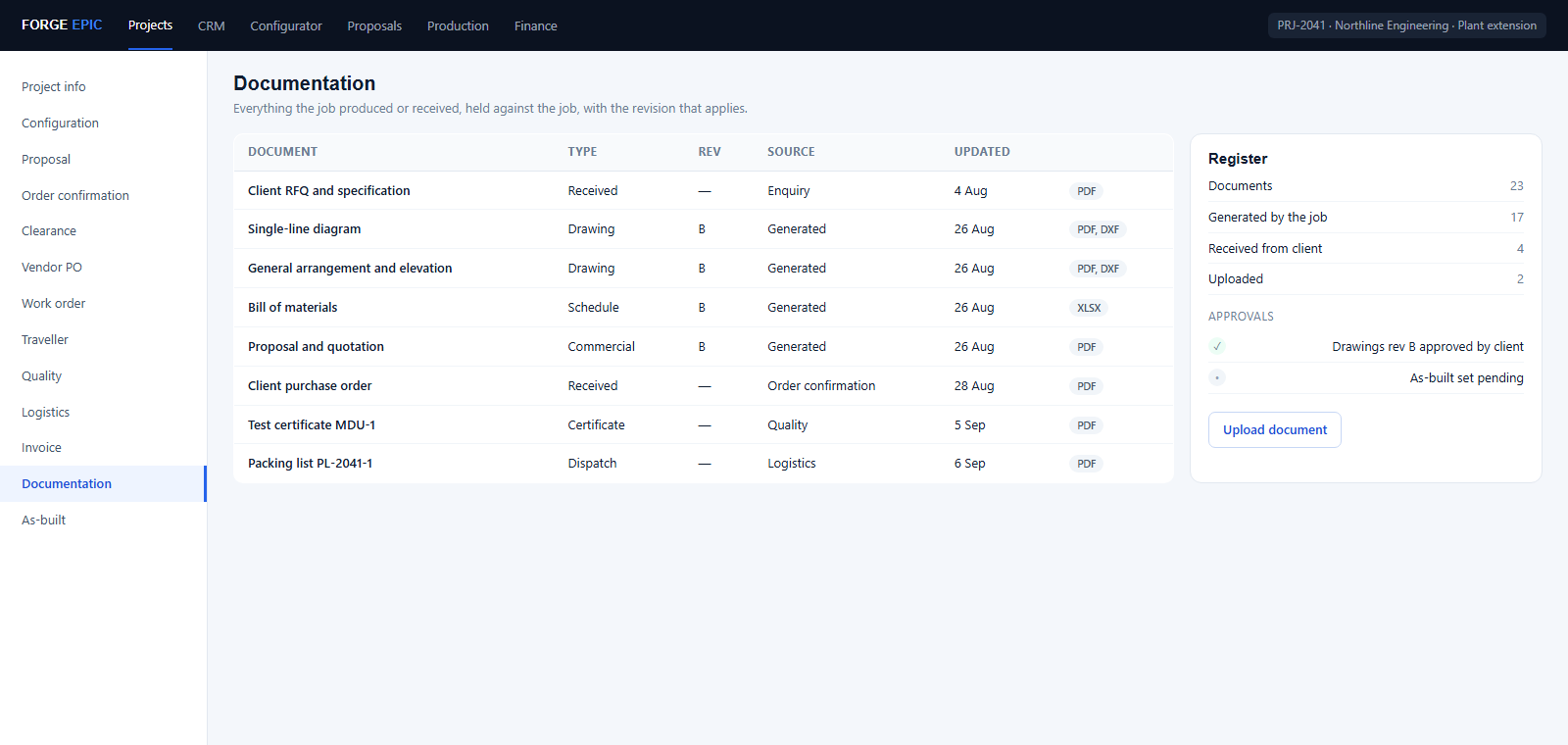
Every drawing, certificate, approval, piece of correspondence and uploaded file is held against the job with the revision that applies, so the register is the job's own record and not a folder someone maintains.
As-built
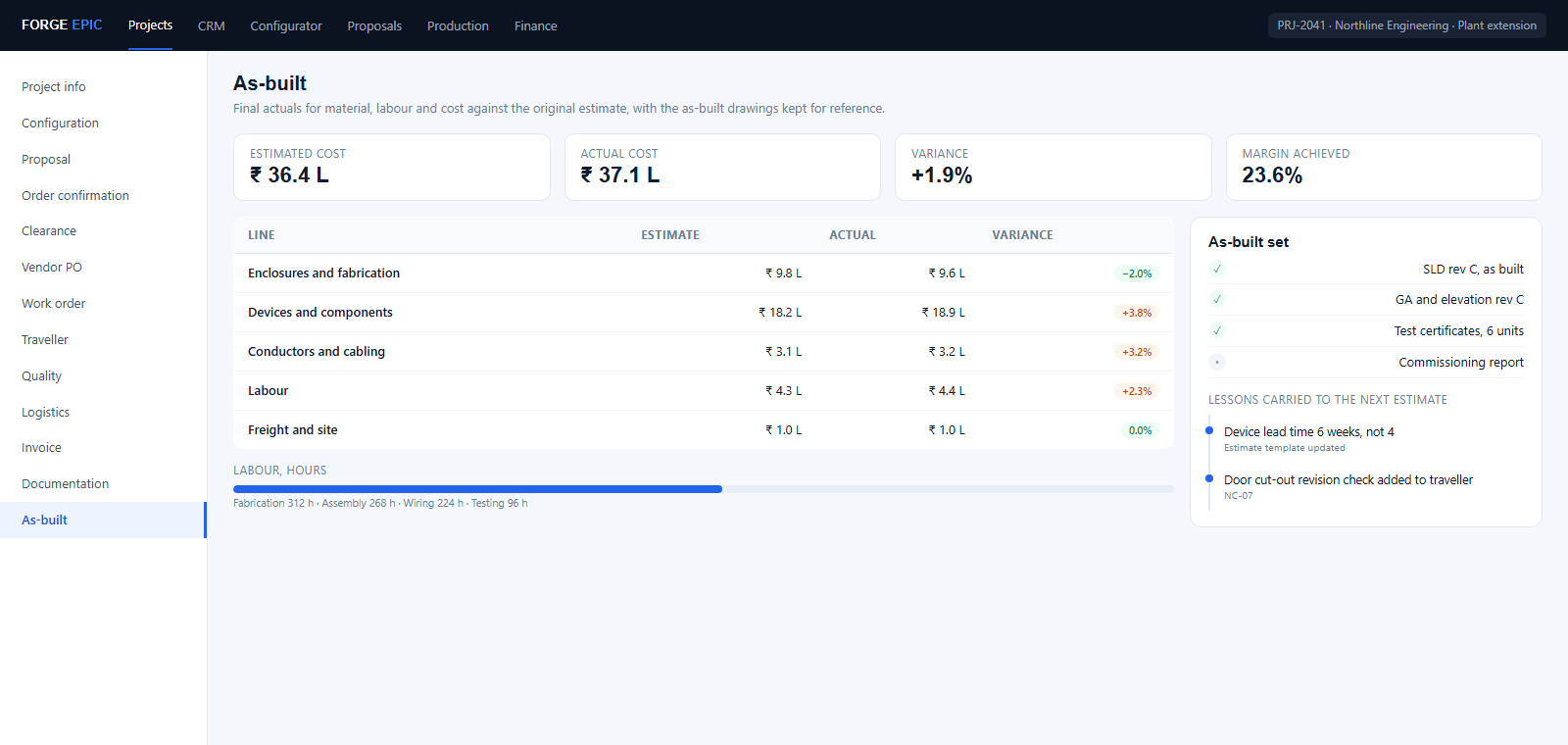
Final actuals for material, labour and cost are captured against the original estimate, and the as-built drawings and documents are kept alongside them, so the next estimate is calibrated by the job just finished.
One platform for every job.
Nine more parts sit around the project flow, each one reading the same job record from a different desk.
Overwatch
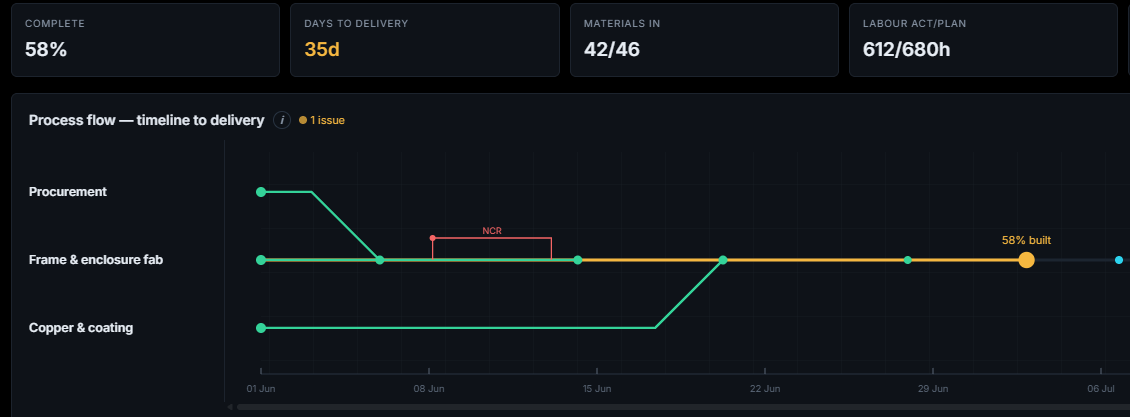
Every job on one screen: where each project stands, what is blocked, and the people and machines it waits on, with tasks assigned and reassigned in one place.
Client database
Every customer, their contacts, addresses and the jobs they have placed, the record a quotation and an invoice both read from.
Vendor database
Approved suppliers with their parts, prices and lead times, so a purchase order is raised against a vendor you already trust.
Standards & calculations
The rules the engine works to: your calculations, your selection methodology, your pricing standards and your drawing and document formats, all editable rather than hard-coded.
Inventory
Raw material, parts master and stock on hand, checked automatically before a purchase is raised.
Procurement
Requests for quotation, purchase orders and receipt against them, raised from the shortfall the job actually has.
Production floor
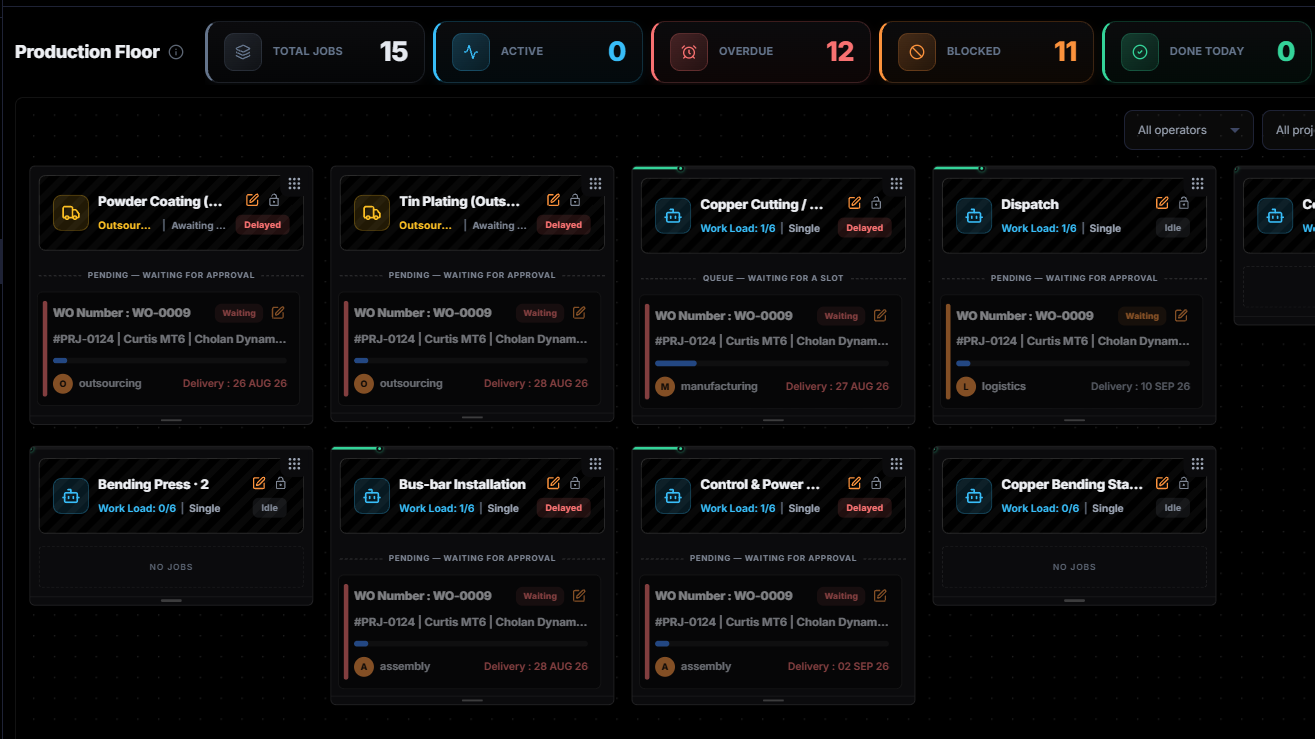
Work assigned to people and stations, tracked stage by stage, so the schedule shows what has been built rather than what was planned.
Task management
What each person owes the job today, drawn from the work the project has already generated rather than maintained as a separate list.
Roles & access
Who may see and change what, users, custom roles, approvals and live sessions, so each role sees only the screens it is permitted to.
What changes when you switch.

your AI co-pilot
The co-pilot that runs your data and your app
E.D.I.T.H, your AI co-pilot
E.D.I.T.H sits across every part of Forge Epic. Describe what you need in plain language and it creates the project, configures the board, changes what you tell it to change, explains the reasoning behind any result, and writes whatever document you ask for in your own format. It works the way an engineer works, and it hands every decision back to you before anything is released.
One co-pilot, every desk
- Product engineer
- Electrical & mechanical design engineer
- Sales and estimation
- Procurement manager
- Quality manager
- Project manager
- Production manager
- Operations manager
- Business analyst
- Personal assistant
How a request flows
Upload the requirement
Feed it in plain language, or as the document it arrived in: a drawing, an image, an email or a spreadsheet.
It reads and reconciles
Requirements are extracted, the data is structured, and information that disagrees with itself is reconciled.
A project in minutes
Project details, the system intake and the board configuration, with the whole design already run.
Your engineer decides
Every value is traceable to the line it came from, open to change, and nothing is released until it is approved.
The outputs follow
Bill of materials, single-line, elevation, electrical and manufacturing drawings, generated from that one design.
What you can ask it to do
Build
Create a project, configure a board, add components, clients and vendors, by describing what you want.
Update
Change a configuration, replace a component or move a setting anywhere on the platform, in the same sentence.
Know
Ask for the formula, the standard or the reasoning behind any result, and get the working, not just the answer.
Write
Any document you need, in any format, built from your own data and the dashboards around it.
Every finished job calibrates the next estimate.
What a project actually consumed goes back into the engine, so your numbers are calibrated to how your own factory builds rather than to an industry average.
One engine, any product.
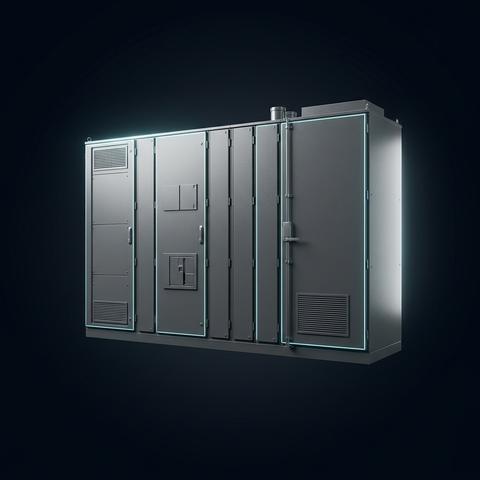
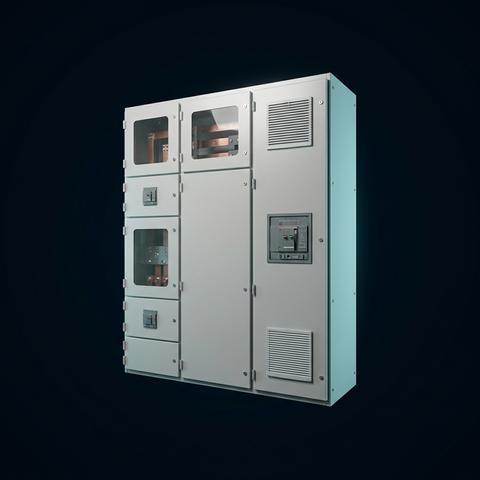
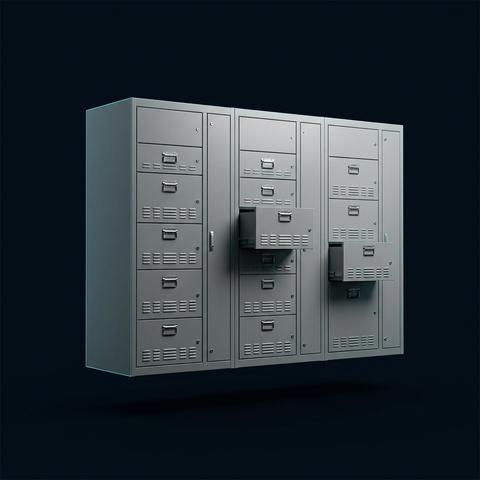
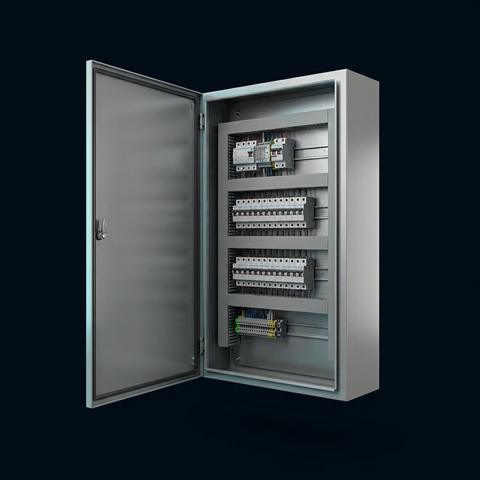
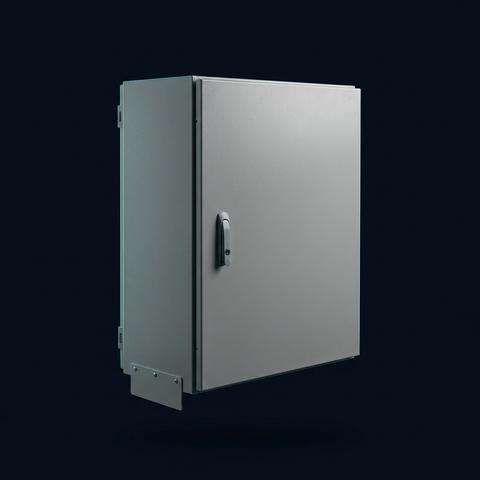
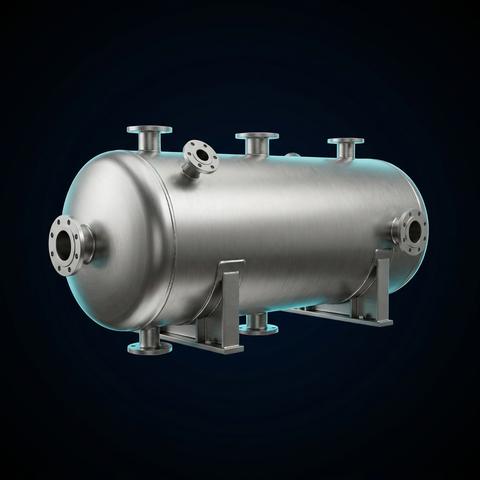
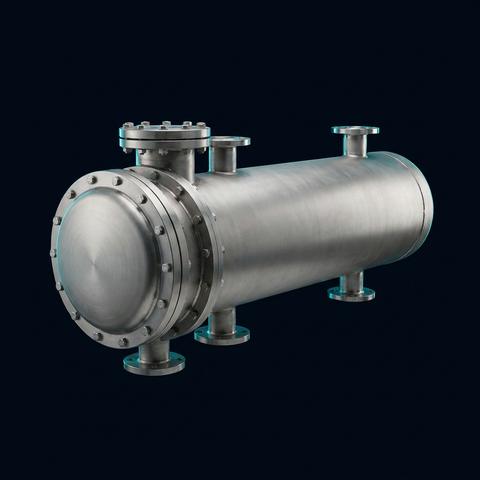
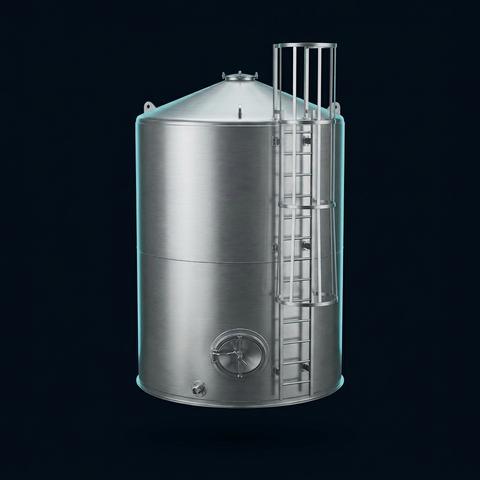
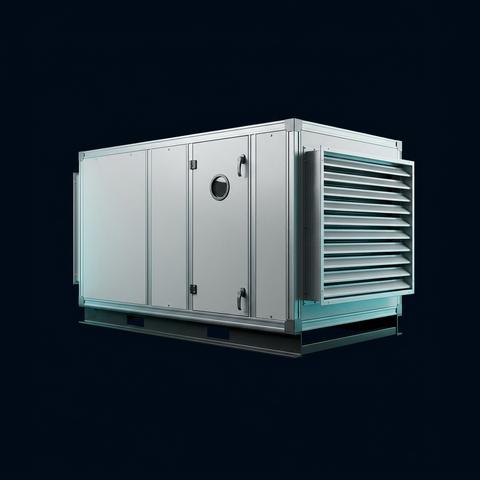
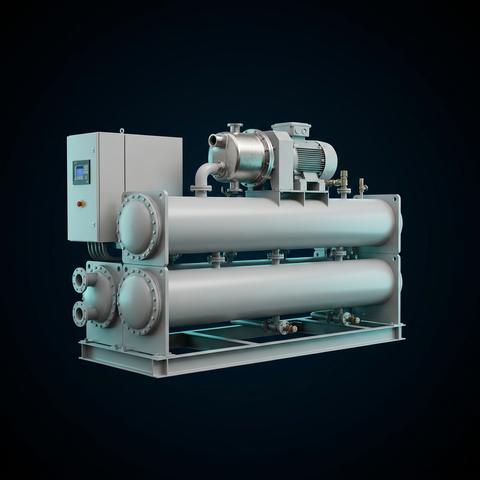
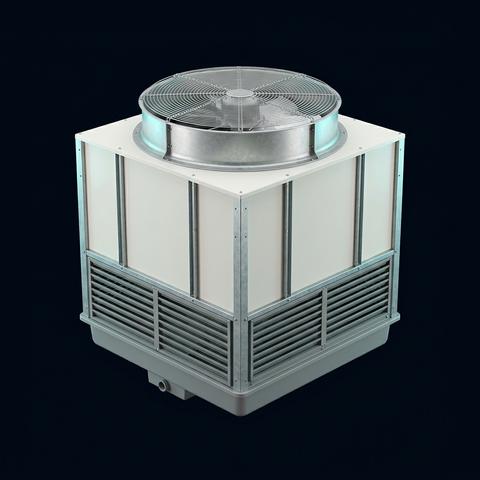
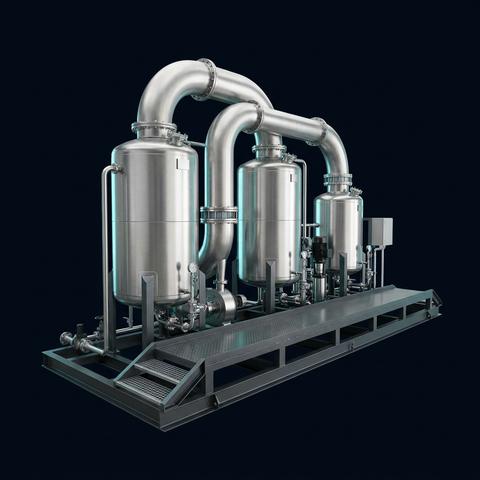
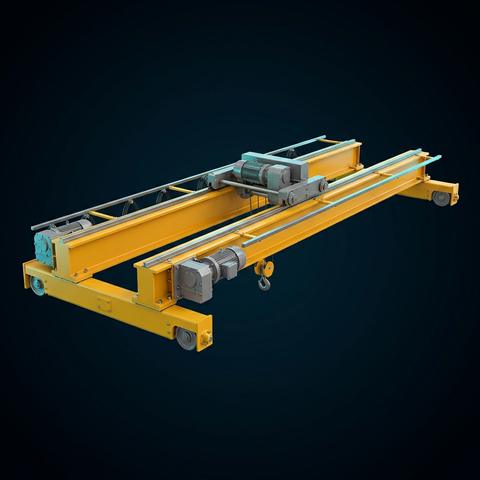
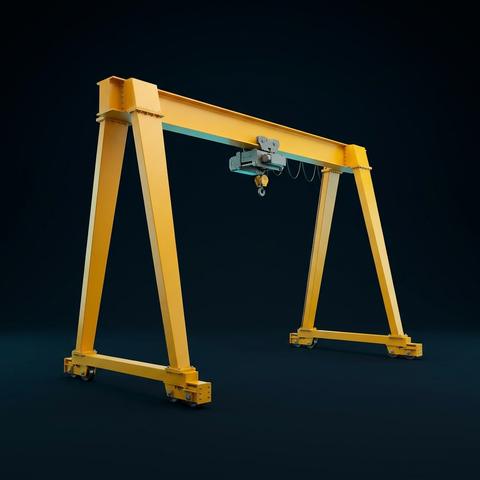
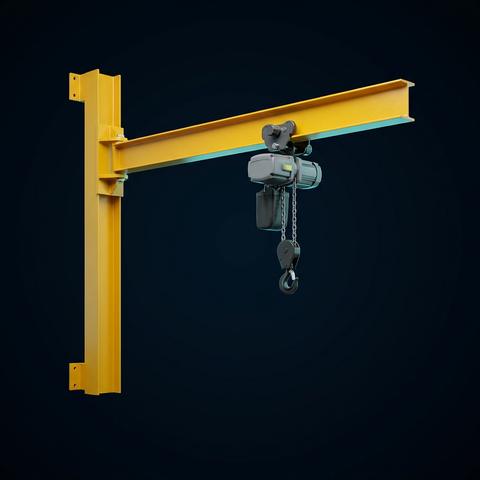
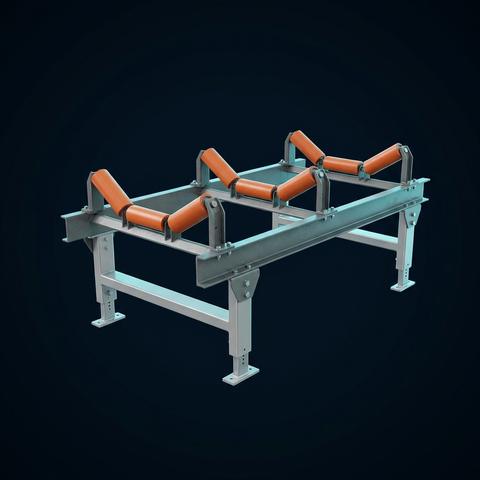
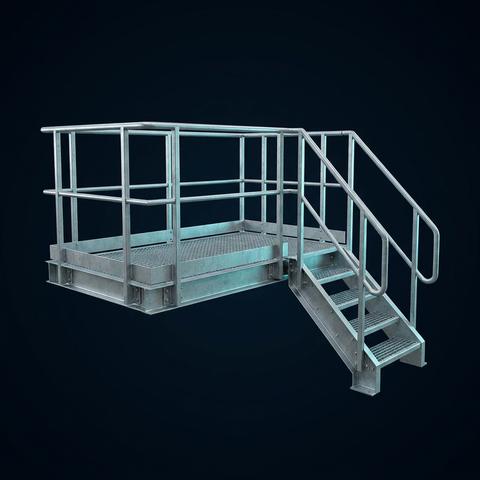
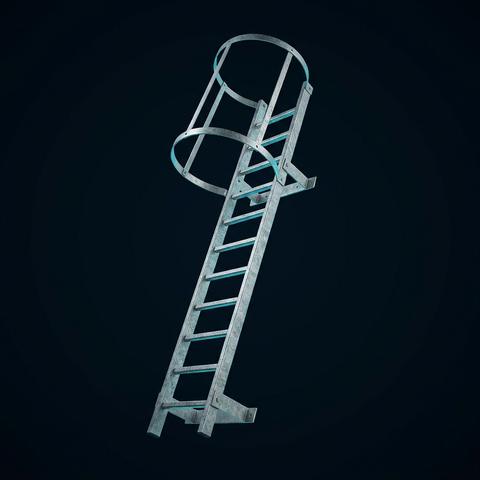
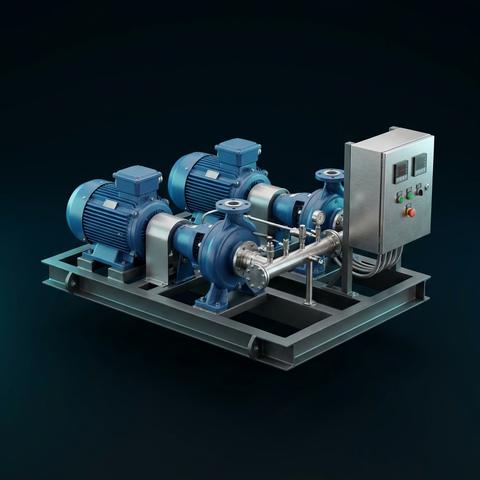
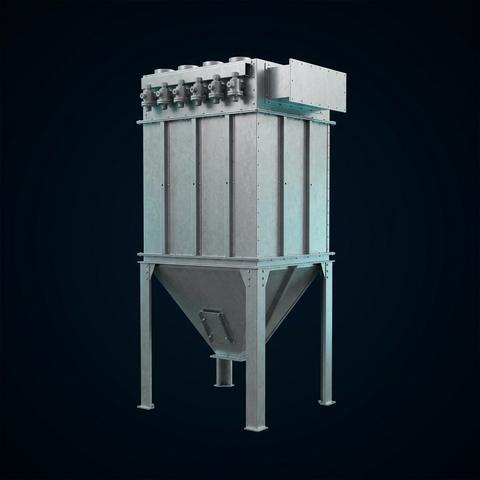
Bring your own product. A product pack teaches Forge Epic your product family, your rules, your standards, your drawings, and from then on it configures it: change the inputs and a different unit of the same family is engineered, drawn and priced. The calculations are the ones your engineers already sign off, not a template's, and the design stays fully customisable to how you actually build.
Industries we build for
- Oil & gas
- Refining & petrochemical
- Power generation
- Renewables & solar
- Data centres
- Automotive
- Food & beverage
- Steel & metals
- Mining & minerals
- Marine & offshore
- Logistics & warehousing
- Infrastructure & buildings



See it on your own product.
Bring a product you have quoted before, a drawing, a specification or an old proposal, and tell us how your team works today. We will map it, show you a working demo of what the engine produces for it, the single-line, the elevation, the bill of materials and the price, and set out what you can expect before you commit to anything. Every workflow is customised to how you already work, so the hours that go into repeat engineering, drawings and documents come back as capacity, and the accuracy that follows cuts the cost of rework.
- Single-line diagramfrom the configured board
- Elevation drawingevery section, to scale
- Bill of materialsevery device, every part
- Pricefrom the same data